
Cloud-First Mapping: Accelerating Construction Timelines with ArcGIS Online and ArcGIS Enterprise
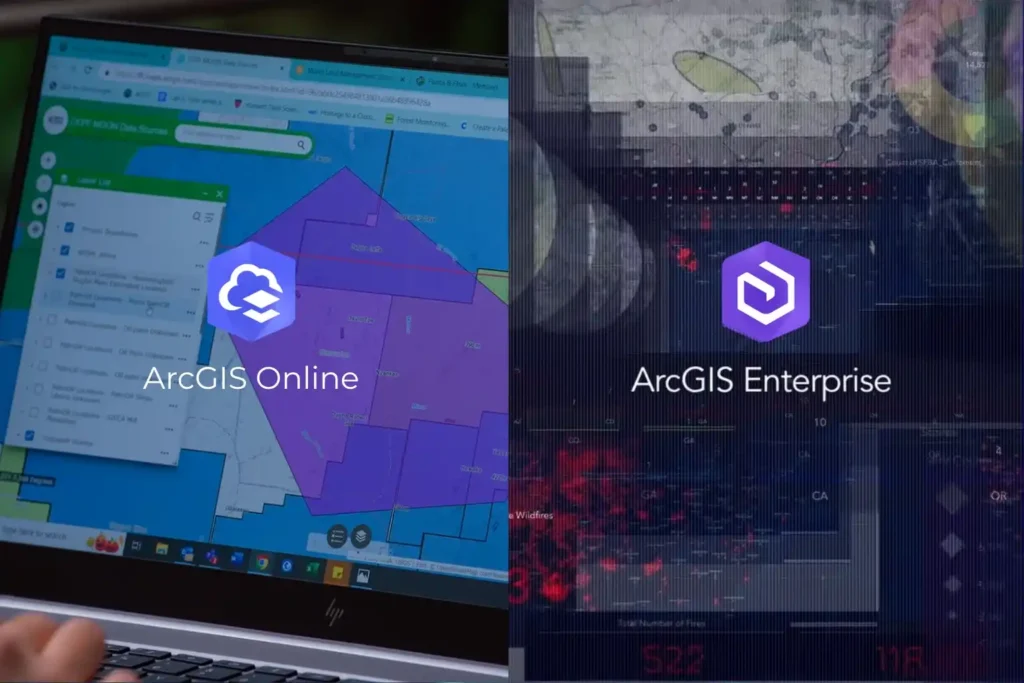
Every drone mission, whether it is an inspection of a solar farm in NEOM or a volumetric survey in the Empty Quarter ends with a massive influx of data. Thousands of images, high-density point clouds, and thermal layers require a “home.” Without a robust platform to organize and visualize this information, your drone program is just a collection of hard drives. In the world of professional GIS, the choice of a home usually comes down to two paths: ArcGIS Online and ArcGIS Enterprise. Both platforms are industry-leading, but they offer fundamentally different approaches to how you manage, secure, and share your spatial intelligence. Choosing the wrong one can lead to operational bottlenecks or security risks. ArcGIS Online vs ArcGIS Enterprise Technically, both platforms allow you to create maps, analyze data, and share insights. However, the “where” and “how” differ significantly. ArcGIS Online: ArcGIS Online is a cloud-based Software-as-a-Service (SaaS) platform. Esri hosts the software, manages the updates, and handles the infrastructure. Zero Infrastructure: You don’t need servers or a specialized IT team to launch. You simply log in via a browser. Rapid Scalability: If you suddenly add 50 new field users, the cloud scales instantly to accommodate them. Mobile Synergy: It is perfectly optimized for field apps like ArcGIS Field Maps, allowing drone pilots to upload data directly to a shared cloud map. ArcGIS Enterprise: ArcGIS Enterprise is the full-featured GIS system designed to run on your infrastructure whether that is on-premises servers or your private cloud (like AWS or Azure). Total Data Sovereignty: You control exactly where your data sits. This is vital for industries with strict national security or privacy regulations. Advanced Analytics: Enterprise includes powerful components like the ArcGIS Image Server, which handles the massive raster processing required for large-scale drone orthomosaics. The Four Components: It consists of a Web Adaptor, a Portal, a Server, and a Data Store, giving your IT department granular control over every connection and permission. Choosing the Right Stack for Industrial Excellence The decision is rarely about which software is “better,” but rather which one fits your industry’s regulatory landscape. In Saudi Arabia, where giga-projects and the energy sector are governed by strict data residency laws, ArcGIS Enterprise is often the gold standard. It allows organizations to keep sensitive infrastructure data behind their own firewalls while still providing a collaborative “Portal” for engineers to access drone-captured Digital Twins. Conversely, for rapid urban development and environmental monitoring, ArcGIS Online offers a lower barrier to entry. It allows project managers to share interactive maps with stakeholders globally without the complexity of managing server hardware. Build Your Geospatial Future The future of industrial intelligence is not just about flying drones; it is about building the infrastructure that lives on the ground. Whether you need the agile, cloud-native power of ArcGIS Online or the secure, robust environment of ArcGIS Enterprise, the right architecture is essential for long-term success. As a strategic geospatial partner, we specialize in helping organizations choose and implement the right Esri stack. We bridge the gap between drone data acquisition and long-term GIS management. Let us help you architect a GIS solution that turns your drone data into a national asset.
Integrating Real-Time Data Acquisition and GIS Processing in Industrial Intelligence

In the traditional era of drone mapping, the capture of aerial imagery was only half the battle. For years, the bottleneck was the processing, loading thousands of high-resolution images onto local workstations that would churn for days to produce a single orthomosaic. This fragmented approach led to data silos, inconsistent results, and a lack of real-time collaboration. Today, we are witnessing a paradigm shift. Site Scan for ArcGIS, a cornerstone of the ArcGIS Reality suite, has transformed drone mapping into a seamless, end-to-end cloud-based workflow. By leveraging the unlimited scalability of the cloud, organizations can now handle massive datasets that were previously impossible to process locally. This is not just a change in software; it is an evolution of how we perceive and manage physical reality. From automated flight planning in the field to advanced AI analytics in the boardroom, the cloud is the engine driving the next generation of industrial intelligence. Autonomous Field Operations Technical excellence in drone mapping is not a product of chance; it is a meticulously engineered outcome that begins long before the drone ever leaves the ground. Within the site scan for ArcGIS cloud-based operations ecosystem, the ArcGIS Flight app serves as the sophisticated “tactical interface.” It shifts the paradigm from manual, pilot-dependent flight to a software-defined, repeatable mission architecture that ensures absolute data fidelity. I. Advanced 3D Mission Architectures and Photogrammetric Geometry Modern industrial assets, ranging from sprawling refinery complexes to complex bridge structures require more than a standard 2D “lawnmower” grid. To build a true Digital Twin, the system must capture the “verticality” and occlusion zones of an asset. Perimeter and Crosshatch Missions: For assets with significant vertical relief, such as telecommunications towers or high-rise construction sites, the system utilizes “Perimeter Scans.” The drone executes a series of concentric orbits at multiple altitudes, with the gimbal automatically adjusting its pitch to maintain a consistent angle toward the center. This ensures that every vertical face is captured with high overlap, typically maintained at 80% sidelap and 80% frontlap, providing the dense point cloud required for sharp, un-warped 3D meshes. Corridor Mapping and Vertical Inspection: For linear assets like pipelines or highways, the flight app utilizes corridor-specific algorithms that optimize the flight path to minimize battery consumption while maximizing coverage. In vertical inspection modes, the drone maintains a precise, fixed “stand-off” distance from a vertical face (like a dam wall or pylon), capturing high-resolution “flat” imagery that can be processed into specialized vertical orthomosaics. II. Intelligent Terrain Following and GSD Consistency One of the most critical variables in photogrammetry is the Ground Sample Distance (GSD), the physical distance on the ground represented by a single pixel. If a drone flies at a constant altitude above sea level while the terrain rises and falls, the GSD varies, leading to inconsistent resolution and measurement errors. Dynamic Altitude Adjustment via DEM Integration: ArcGIS Flight integrates high-resolution digital elevation models (DEMs). The drone dynamically adjusts its altitude in real-time to maintain a constant height above the ground surface. This results in a uniform GSD across the entire dataset, ensuring that a measurement taken on a mountain peak is as accurate as one taken in a valley. Automatic Overlap Recalculation: The software monitors ground speed and wind resistance in real-time. If the drone encounters a strong headwind, the system recalibrates the shutter trigger intervals. This ensures the required overlap is maintained perfectly, preventing “gaps” in the data that could lead to failures during the cloud-processing phase. III. Sensor Integration and Field-Level Georeferencing The accuracy of the final map is only as good as the metadata attached to each image. Site Scan supports advanced hardware integration to eliminate the need for traditional, time-consuming ground surveys. RTK and PPK Workflows: The flight app natively communicates with Real-Time Kinematic (RTK) and Post-Processed Kinematic (PPK) enabled drones. By receiving corrections from a base station or NTRIP network, the drone geotags each image with centimeter-level accuracy at the moment of capture. This minimizes, and often eliminates, the need for laying manual Ground Control Points (GCPs), saving hours of field labor. Multi-Sensor Support: Beyond standard visual (RGB) sensors, the framework supports multispectral and thermal payloads. This allows for the capture of specialized data layers. such as vegetation health indexes or thermal signatures for solar farm inspections. All managed within the same autonomous flight interface. IV. Pre-Flight Rigor and Field-to-Cloud Synchronization Custom Safety Checklists: To ensure enterprise-wide compliance, administrators can push mandatory pre-flight checklists to the field app. Pilots must verify everything from airspace authorization (LAANC) to battery voltage and signal strength before the “Take Off” button is enabled. Quick Tiling for Field Verification: One of the most powerful features of the cloud-based operation is Quick Tiling. Immediately after landing, the pilot can generate a low-resolution orthomosaic preview in the cloud while still on-site. This allows for instant verification: Did we cover the entire site? Are there any blurry images due to low light? If a gap is detected, the pilot can re-fly the specific segment immediately, preventing a costly return trip to a remote site. Transforming Pixels into Insight The true technical “engine” of site scan for ArcGIS cloud-based operations lies in its processing architecture. By decoupling data computation from physical hardware, Site Scan leverages the elastic power of the cloud to perform complex photogrammetric reconstructions that would overwhelm even the most advanced local workstations. This section explores the mechanics of how raw aerial imagery is transformed into a high-fidelity geospatial intelligence product. I. Elastic Computing and Massive Parallelization Traditional photogrammetry is a computationally “heavy” task that requires intense CPU and GPU resources. In a local environment, this creates a linear bottleneck: the more images you have, the longer you wait. Site Scan solves this through massive parallelization. Distributed Task Processing: When a dataset is uploaded to the Site Scan Manager, the cloud architecture breaks the project into thousands of discrete tasks. These tasks are distributed across an elastic cluster of server nodes. For instance, while one node calculates the internal orientation of a camera,
 العربية
  English